


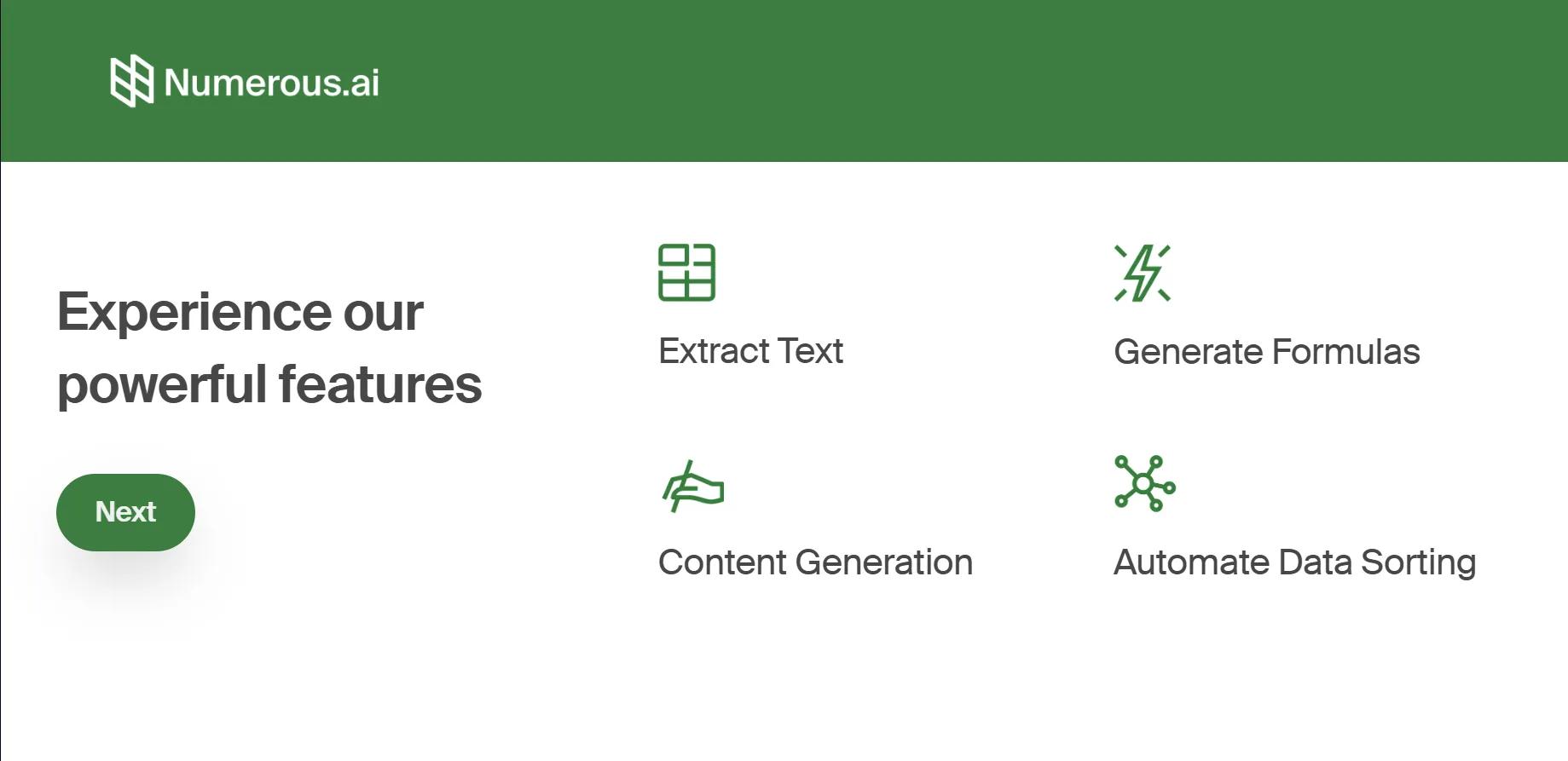
Numerous AI is a plugin that brings ChatGPT into Google Sheets and Microsoft Excel, so you can run AI prompts directly inside your spreadsheets.
What you can do in Sheets and Excel
Use the =AI() function in any cell to generate text, transform data, and support analysis at scale.
- Write marketing copy and SEO descriptions
- Analyze data, categorize rows, and extract key fields
- Generate complex formulas (including VLOOKUP and REGEX)
- Translate text between languages
- Summarize long text entries into short notes
- Clean and normalize messy user inputs
- Classify and sort records by category
- Run sentiment analysis on messages and reviews
- Prototype and test AI prompts directly in a sheet
Installation and setup
Numerous AI works as an add-on for desktop Google Sheets and Microsoft Excel.
- Install from numerous.ai, Google Workspace Marketplace, or Microsoft AppSource
- Enable the add-on in Sheets (Extensions/Add-ons) or Excel (My Add-ins)
- Grant access to your spreadsheets
- Enter a prompt and use =AI() in a cell
- Fill down to process many rows at once
Pricing and limits
A free trial is available with a 60-token limit. After that, paid plans start at $10/month for 1,500 tokens per month.


